 get the app
log your calories using your own AI
tell Claude, ChatGPT, or Grok what you ate. it lands in whatevr, counted.
https://api.trywhatevr.app/mcppick your AI
three steps. the sign-in is the same everywhere.
click Add to Claude
Claude opens with whatevr already filled in. click Continue, then Add.
Add to Claude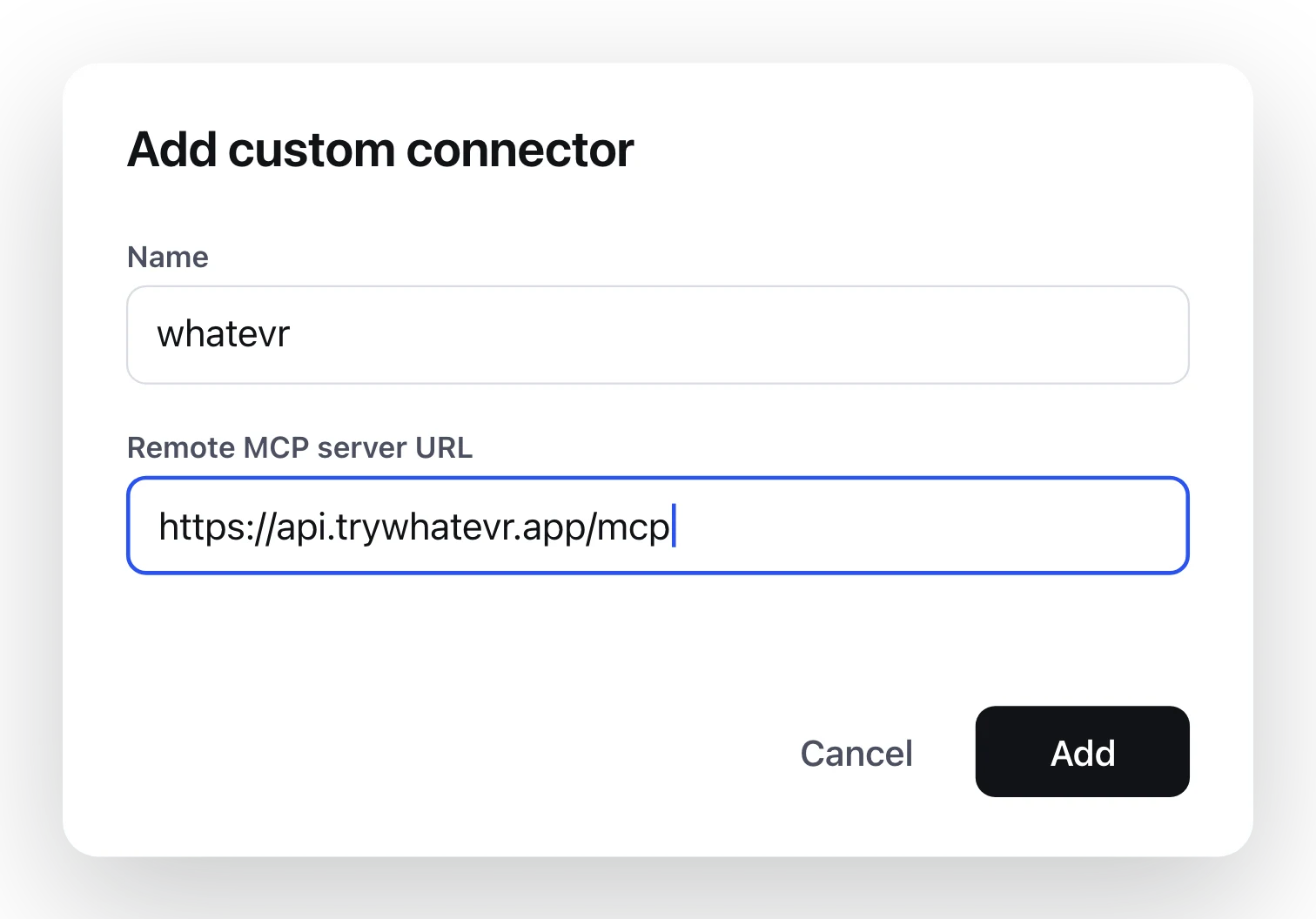
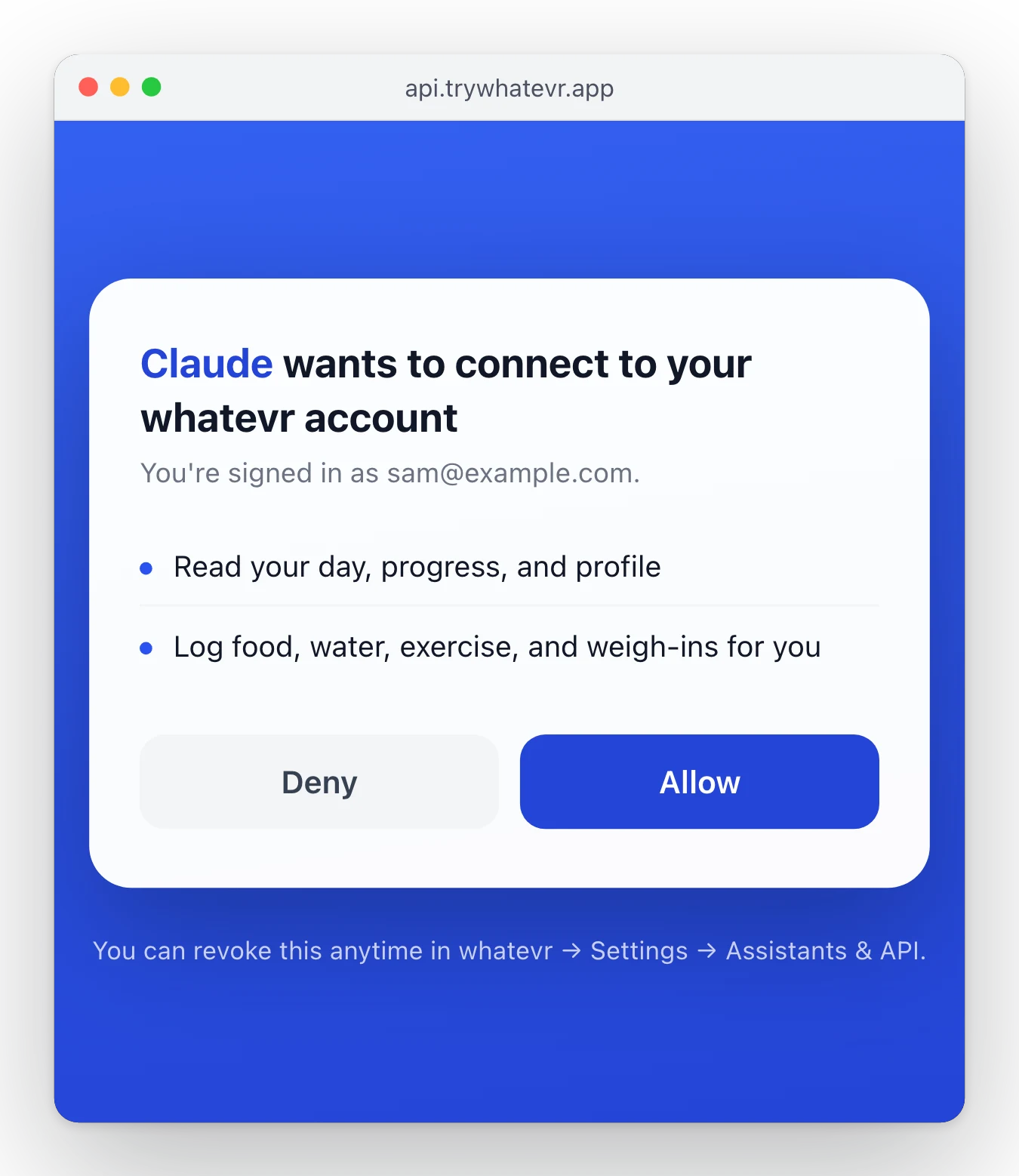
sign in and allow
a whatevr window opens. enter your email, type the code we send you, tap Allow.
turn it on in a chat
in any chat, switch on whatevr under connectors. then tell Claude what you ate.
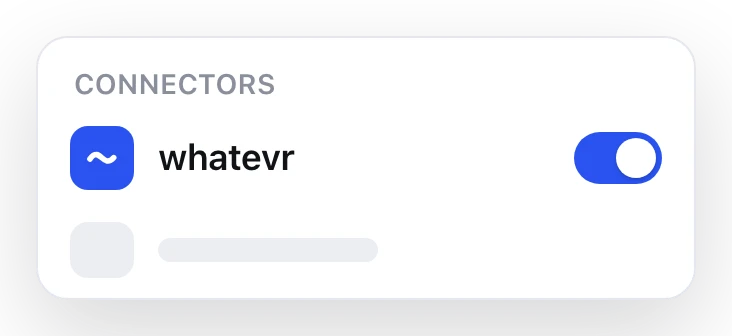
add it on the web once and it works in the Claude phone app too. prefer to do it by hand? in Claude, open Connectors, choose Add custom connector, and paste the link.
turn on developer mode
on chatgpt.com in a browser. needs a paid plan.
create, paste the link
click Create, name it whatevr, paste the link, and choose OAuth.
sign in and allow
enter your email, type the code we send you, tap Allow. then turn it on in a chat.
ChatGPT adds custom connectors on the web only. reconnect after whatevr updates so it picks up new tools.
open connectors
on grok.com, add a new custom connector.
paste the link
the whole link, exactly as it is.
sign in and allow
allow the sign-in pop-up, enter your email and code, tap Allow.
custom connectors may need a paid Grok plan.
find "add MCP server"
Cursor and other MCP apps call it a custom connector or MCP server.
paste the link
it signs in with OAuth on its own.
sign in and allow
if the app can't sign in, use your personal link instead (see below).
then just talk to it
no new app to open. ask like you'd ask a friend.
logged. 223 kcal for breakfast, 1,980 left today.
1,980 left of your 2,203 for today.
logged: 30-minute run.
stuck?
I'm on my phone
Claude and ChatGPT only add connectors on the web. set it up on a computer once (use "send to myself" above), and it works in their phone apps after that.
the menus look different
these apps move things around. look for "connectors", "custom connector", or "MCP server". that's where the link goes.
my app can't sign in
use your personal link from whatevr → Settings → Assistants & API. it works without sign-in, so treat it like a password.
how do I turn it off?
pause or remove any connection in whatevr → Settings → Assistants & API, or remove the connector in your AI's settings.
I don't have whatevr yet
get it on the App Store. sign up with your email, then come back here.
for developers
REST API + OpenAPI: api.trywhatevr.app/v1/openapi.json. OAuth discovery: /.well-known/oauth-authorization-server.